Search and scan
Find large media, cache candidates, duplicates, and storage pressure without losing the original context.
 TimerBell
Disk cleanup
macOS + iOS
OmniDisk helps users see where disk space goes, inspect cache and large-file candidates, and use AI-assisted review before cleanup decisions.
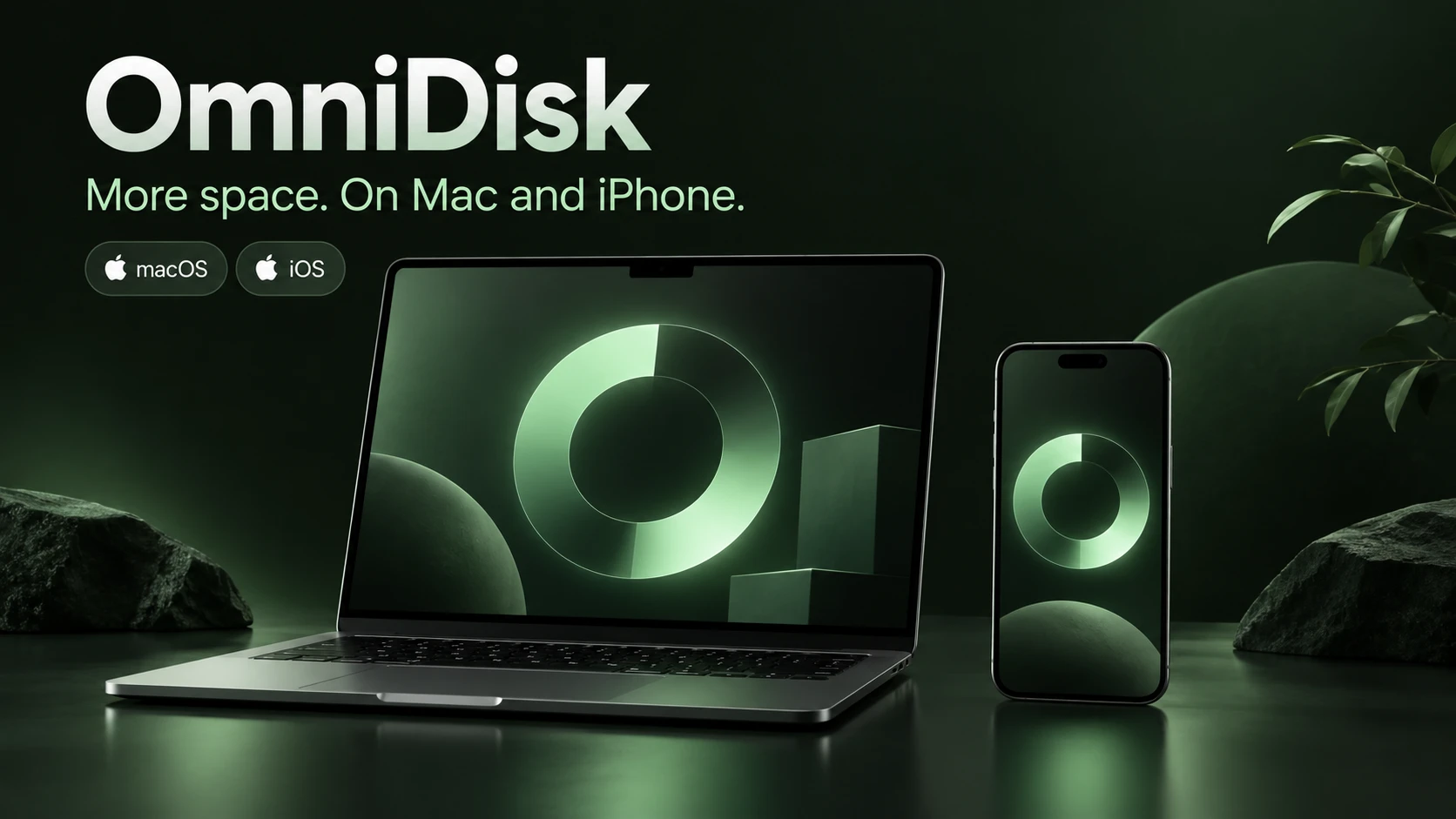
macOS + iOS
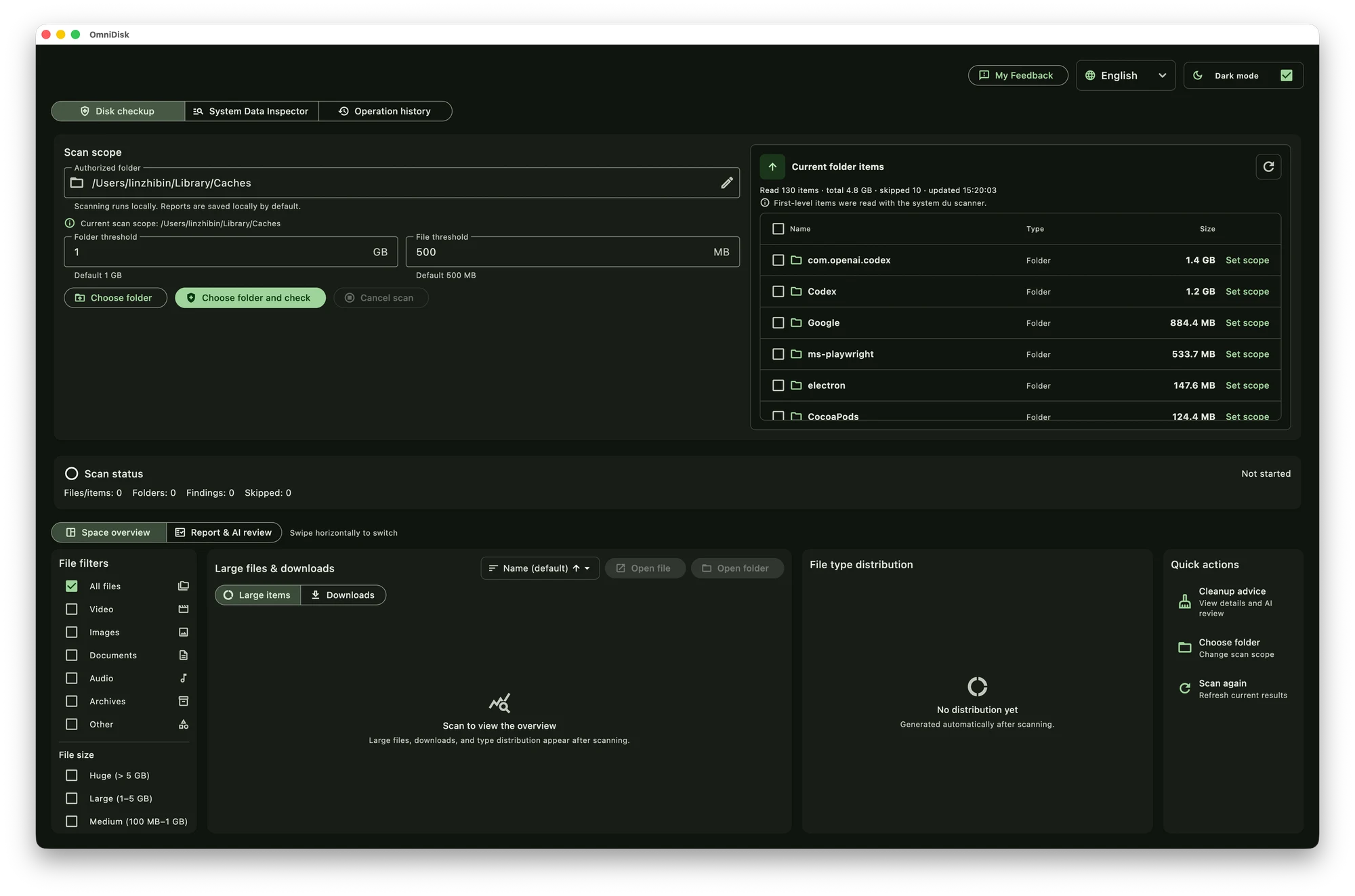
Inspect folders, caches and large files before deciding what to clean.
OmniDisk scans what the system allows, explains why an item was found, and asks for confirmation before any supported deletion.
Find large media, cache candidates, duplicates, and storage pressure without losing the original context.
Turn scan results into understandable recommendations instead of a blind delete list.
Review the selected items and confirm the exact action before cleanup.
Choose the edition for your device. Available features depend on the platform and granted permissions.
File analysis stays on your device whenever possible. OmniDisk does not delete supported items silently, and you stay in control of cleanup decisions.
Yes. OmniDisk supports macOS and iOS, with tools tailored to each platform.
No. Supported deletion requires an explicit review and confirmation step.
No. Access depends on the operating system and the permissions you grant.